
Fedora
Installing libayatana-appindicator-gtk3
Section titled “Installing libayatana-appindicator-gtk3”This library is dependency of drop-app. Without it, drop-app will crash on start up.
sudo dnf install libayatana-appindicator-gtk3Installing drop-app
Section titled “Installing drop-app”To install drop-app on Fedora, simply download the rpm package from this page and open the downloaded file. It will open it in the Software app. You can click Install on this page.
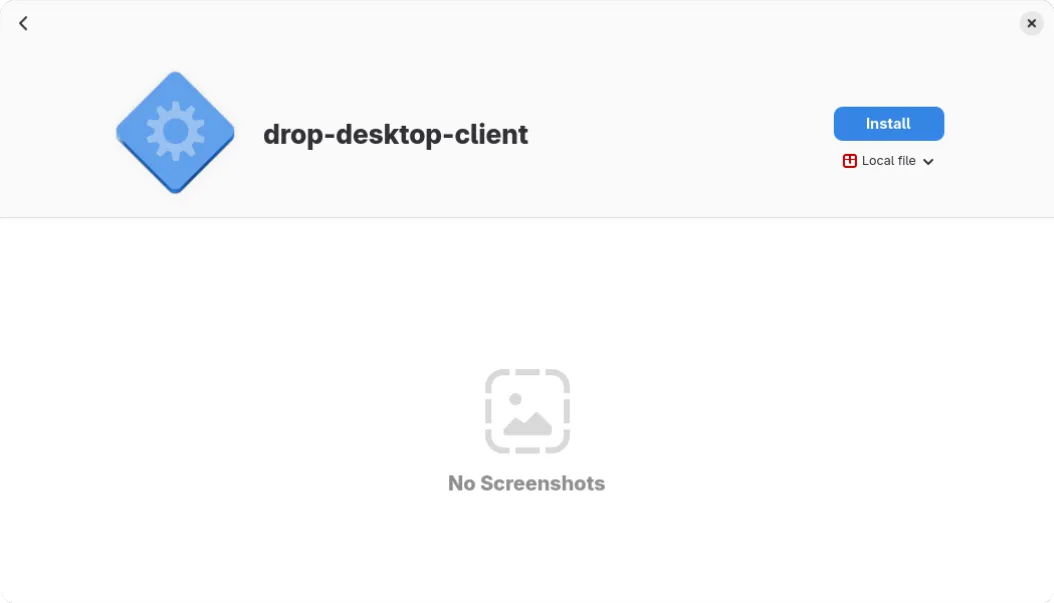
You can also choose to install it via dnf:
sudo dnf install ./<downloaded .rpm package>Uninstalling drop-app
Section titled “Uninstalling drop-app”You can uninstall libayatana-appindicator-gtk3 if no other applications depend on it,
or if you simply want to get rid of it, you can do so with the following:
sudo dnf remove libayatana-appindicator-gtk3You can then uninstall drop with the following command:
sudo dnf remove drop-desktop-client